Docs: write your own video effects
Video Effects runs effects you write yourself on your own video or photo, right in your browser: a GLSL shader that changes the picture, a React component drawn over it, or both in one .zip package with controls of its own. Each has its docs below, written for people and for AI agents, each with a prompt to copy and a Markdown copy of its own. Nothing you open or write is uploaded.
Pick what to write
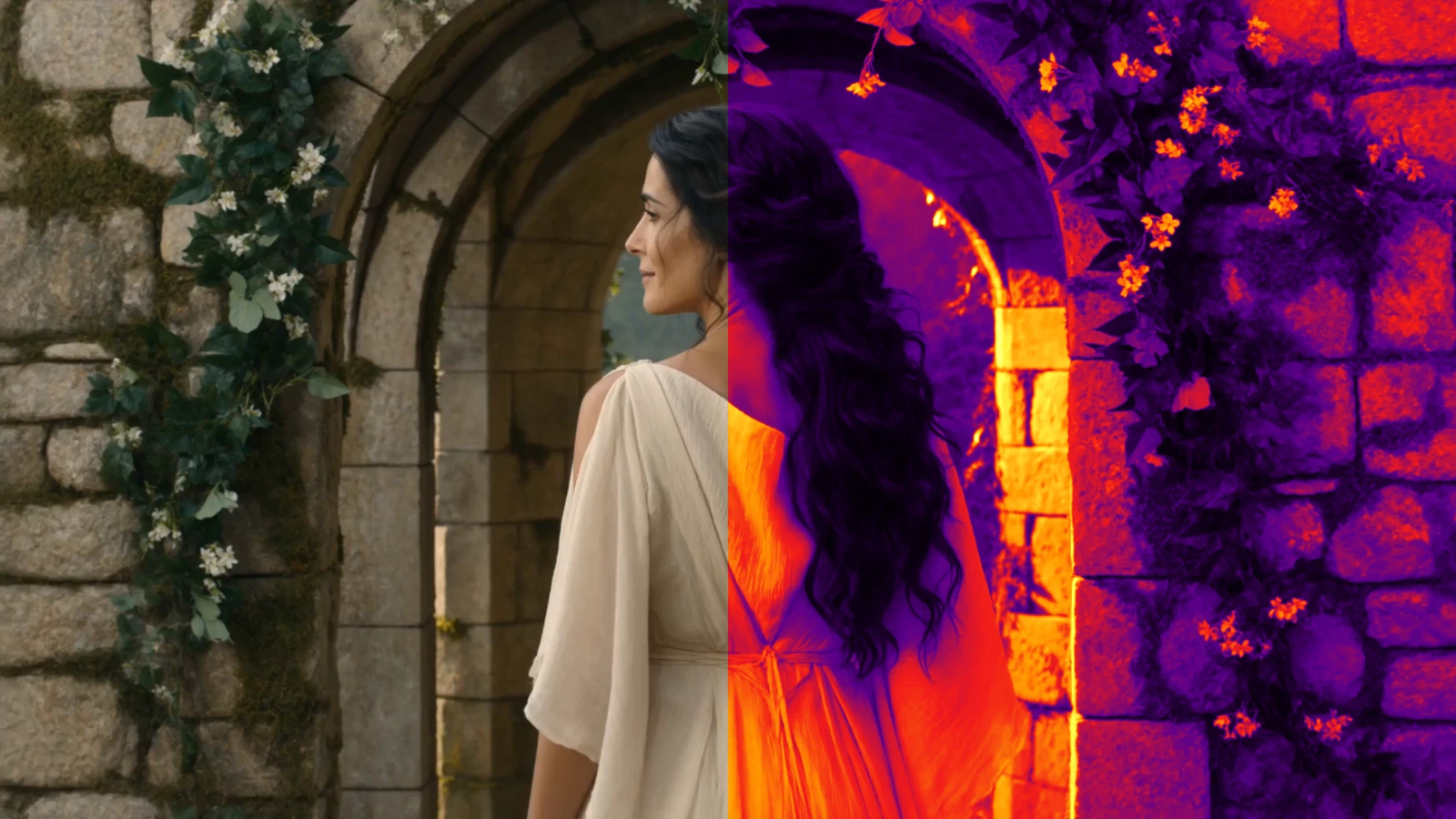 Apply GLSL shaders to video and photosApply a GLSL shader in Shadertoy's mainImage form to your own video or photo, free in the browser. Live preview, full-resolution export, nothing uploaded.
 Draw React components over video and photosDraw a React component, written Remotion-style, over your own video or photo in the browser: titles, captions, graphics. Full-res export, nothing uploaded.
 Make your own video effects: effect packagesPackage a GLSL shader and a React component, with sliders of their own, into one .zip and add it to Video Effects. Free, in your browser, nothing uploaded.
For AI agents
Every docs page has a Markdown copy at its address plus .md, which an AI agent reads more easily than the page; the guide covers everything else an agent can do with the editor.